Transparent Colors
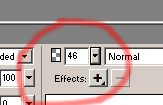
You can make any shape transparent by adjusting the Opacity control in the Properties window.
Transform Objects
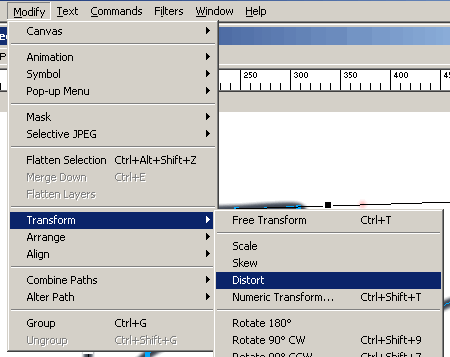
You can warp, flip, and change the size of shapes using Modify -> Transform commands. Select an object and choose a transform command. You'll get handles that let you control how the object changes shape.
Transparent Canvas
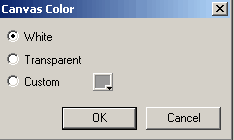
You often want the background of your image to be transparent so that the rest of your web page shows through. Set the canvas color to transparent using the Modify -> Canvas -> Canvas Color command.
Fit Canvas
Once you've made a Fireworks graphic you often want to get rid of borders so that the fits the canvas closely
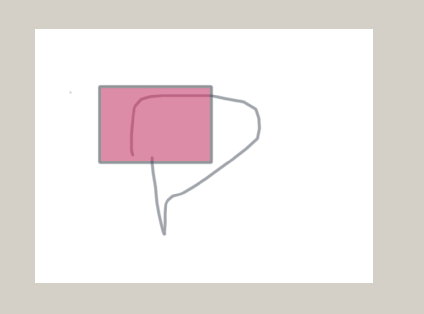
Use Modify -> Canvas -> Fit Canvas
s
Exporting to a GIF file
Fireworks files are ".png" files. They are not a standard Internet format. It's best to Export a ".gif" file and use that in your website. Also, transparent canvas won't work unless you export to a ".gif" file. Use File -> Export.